Notes that stay files on your disk.
ClipSafe Notes is the second app from the ClipSafe team, and it follows the same rule:
your words belong on your PC. You write Markdown, it saves one .md file per
note in a folder you pick, and the search index is a local database you can delete at any time.
What it does
A small app that does the boring parts well.
- Markdown vault. One folder, one
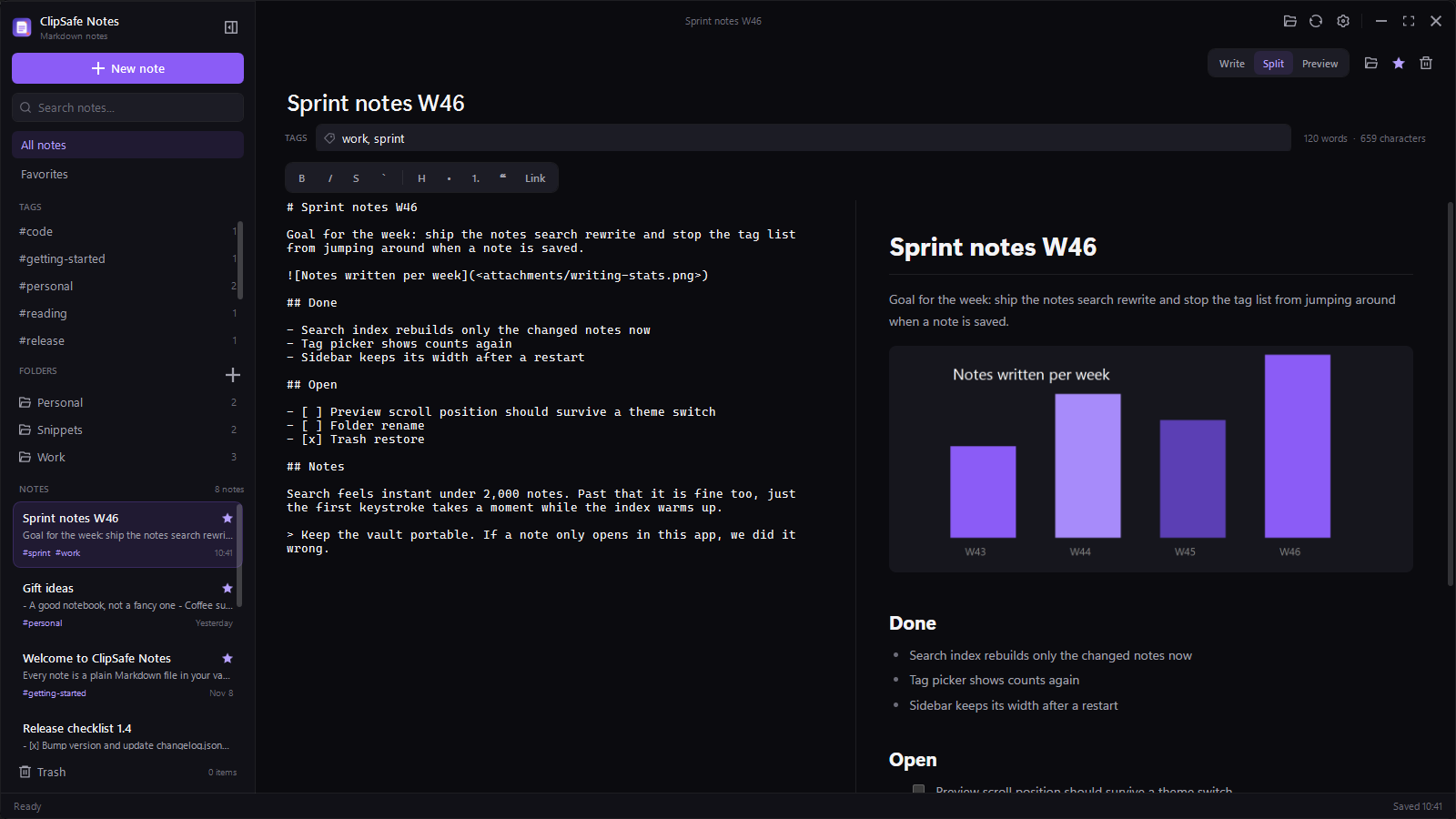
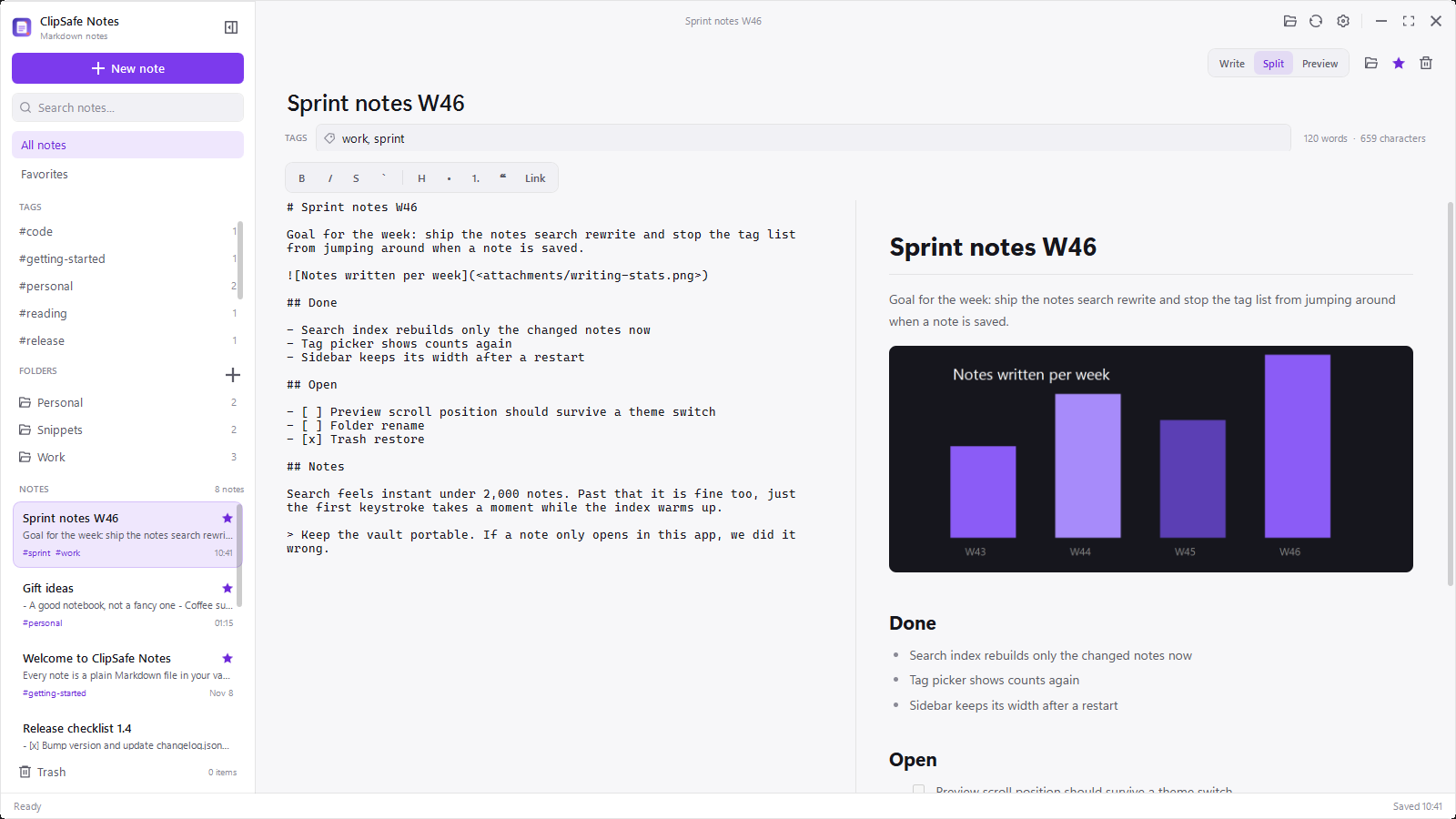
.mdfile per note, with a short front matter block for title, tags, favorite and dates. - Write, split and preview. Switch with one button or with Ctrl+E. Preview renders headings, lists, tables, code blocks and images.
- Formatting bar. Select text and click bold, italic, strikethrough, inline code, heading, list, quote or link. The Markdown is written for you.
- Search that keeps up. A local SQLite FTS5 index covers titles, tags and note text, and it updates when you save instead of rebuilding everything.
- Folders, tags and favorites. Notes live in folders on disk and in the sidebar. Tags are plain text in the file, so they survive outside the app too.
- Images from your PC. Paste a screenshot or drop an image file into the editor. It is copied into the vault
attachmentsfolder and linked in the note. - Trash with a way back. Deleting a note moves the file to
.trash. Restore it or delete it permanently. - Send to ClipSafe. Send the selected text, or the whole note, to your ClipSafe clipboard history with its tags and note name attached. The source line in ClipSafe links back to the note, so a click reopens it here.
The vault
If the app disappears, your notes do not.
The vault is a normal folder. By default it is Documents\ClipSafe Notes, and it looks
like this after a few days of use. Nothing in it is a proprietary format.
In the folder
- Your notes as
.mdfiles, in folders you create - A front matter header with tags, favorite flag and timestamps
- An
attachmentsfolder for pasted or dropped images - A
.trashfolder for deleted notes
Not in the folder
- A locked database that only one app can read
- Cloud sync, accounts or a login screen
- Telemetry, usage counters or a crash reporter
Finding things
Search is local, and it is instant.
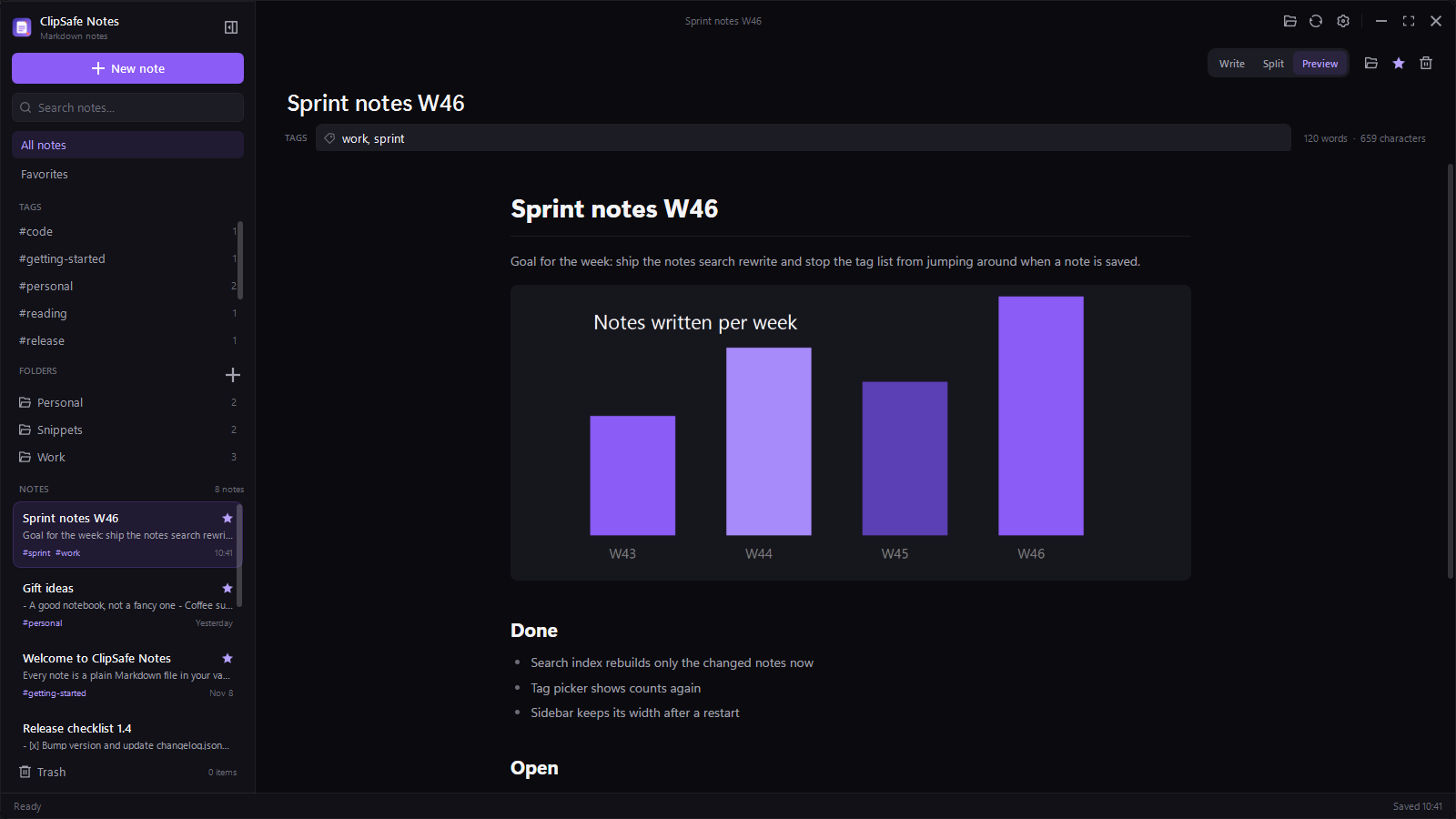
The SQLite index stores the title, tags and body of every note. Typing in the search box filters
the list as you type, and a note opens with a single click. The index lives in
%LOCALAPPDATA%\ClipSafe Notes, so it can be rebuilt from the Markdown files whenever
you want. Folders and tags filter the same list, and you can combine them with a search term.
With ClipSafe
Two apps, one clipboard.
Notes and ClipSafe talk over the same local named pipe that the VS Code extension uses. There is no internet in the middle and no shared account, because both apps run as you on your PC.
- Select text in the editor and press Ctrl + Shift + Alt + S to send just that part.
- Press it with nothing selected to send the whole note, with its tags.
- Every item arrives tagged
noteand labelled with the note name. Click the source line in ClipSafe to reopen that note, even if Notes is already running. - The send button only appears when ClipSafe is installed, so the toolbar stays quiet if it is not.
- If ClipSafe is installed but closed, Notes says so instead of pretending it worked.
Keyboard
The keys you already reach for.
Honest limits
What it does not do yet.
- No sync. Notes stay on the PC where you wrote them. Put the vault in OneDrive or a synced folder if you want that, and accept the same trade-offs as any synced file.
- No mobile app. Windows only, like ClipSafe.
- No plugins or themes to install. One window, two themes, no extension marketplace.
- No AI writing. Nothing in the app sends your notes anywhere.
- No database-only notes. If you delete the Markdown file outside the app, the note is gone. That is the point.
FAQ
Questions, answered.
Do I need ClipSafe installed to use Notes?
No. Notes runs on its own. The ClipSafe card in settings and the send button stay out of the way until ClipSafe is installed on the same PC.
Where are my notes stored?
In %USERPROFILE%\Documents\ClipSafe Notes by default, one Markdown file per note. The search index and settings live in %LOCALAPPDATA%\ClipSafe Notes and can be deleted without touching a single note.
Can I open the notes in another editor?
Yes. Obsidian, VS Code, Typora and Notepad all read the files. The front matter block is plain YAML style text, and the body is ordinary Markdown.
What happens when I delete a note?
The file moves into the vault .trash folder. Restore it from the Trash view, or delete it permanently from there. Nothing leaves your PC either way.
Is there a price, a trial or a subscription?
It is free, like ClipSafe. There is no account, no upgrade screen and no ad. Donations through Ko-fi are welcome and do not change what is in the app.
Have another question? See all FAQs
Ready to try ClipSafe Notes?
Free forever. No account, no sync, no catch.
Download free for WindowsWindows 10 (1809+) / 11 · Free forever · No registration required